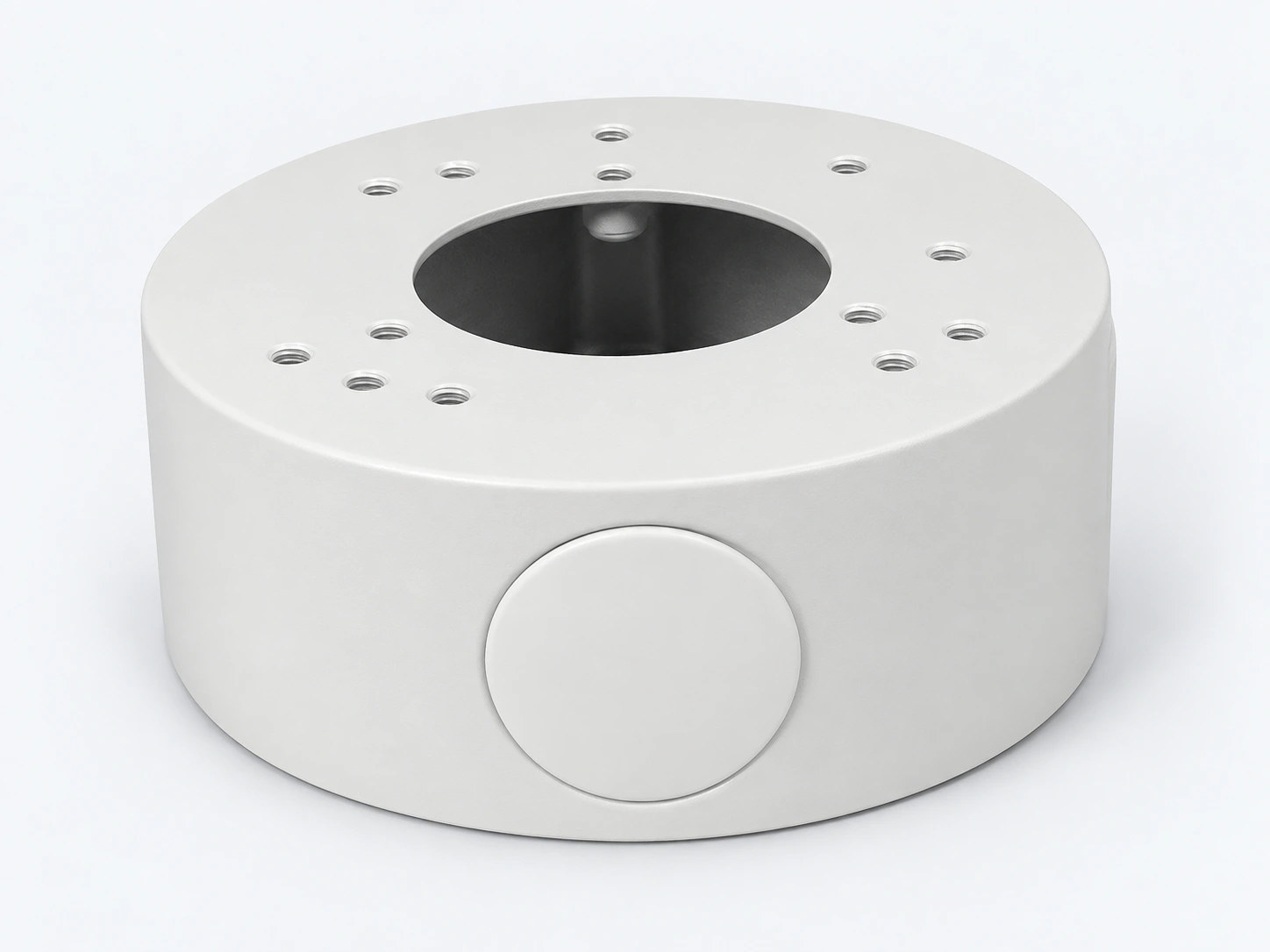
JB-SBW0104
Junction Box for Sibell Bullets and Fixed Turret
Explore product
Finish the installation with the right mounting hardware. Confirm the exact camera model, mounting pattern and cable clearance before ordering.
Junction Box for Sibell Bullets and Fixed Turret
Explore product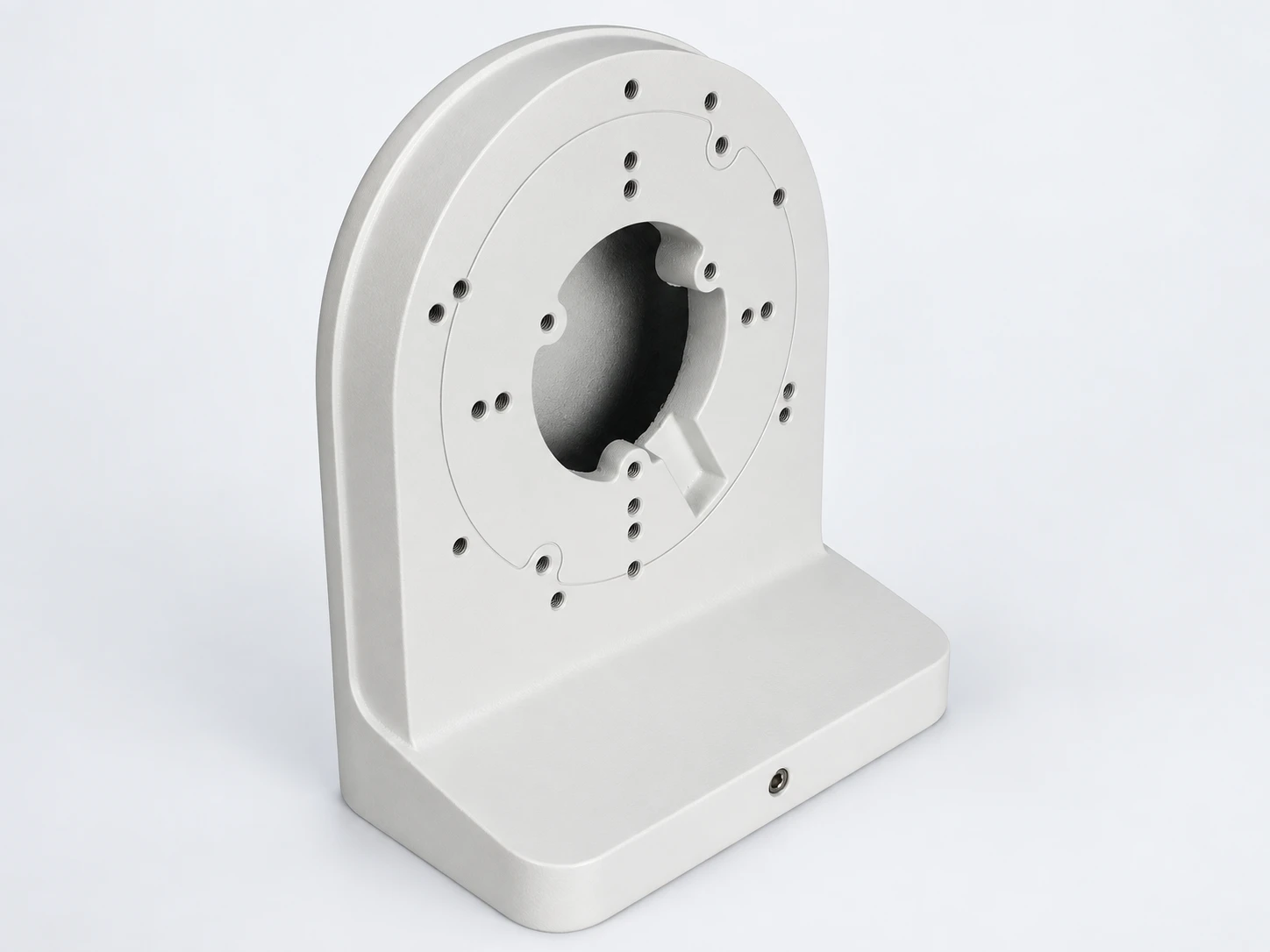
Wall Mount for Sibell Fixed Lens Cameras
Explore product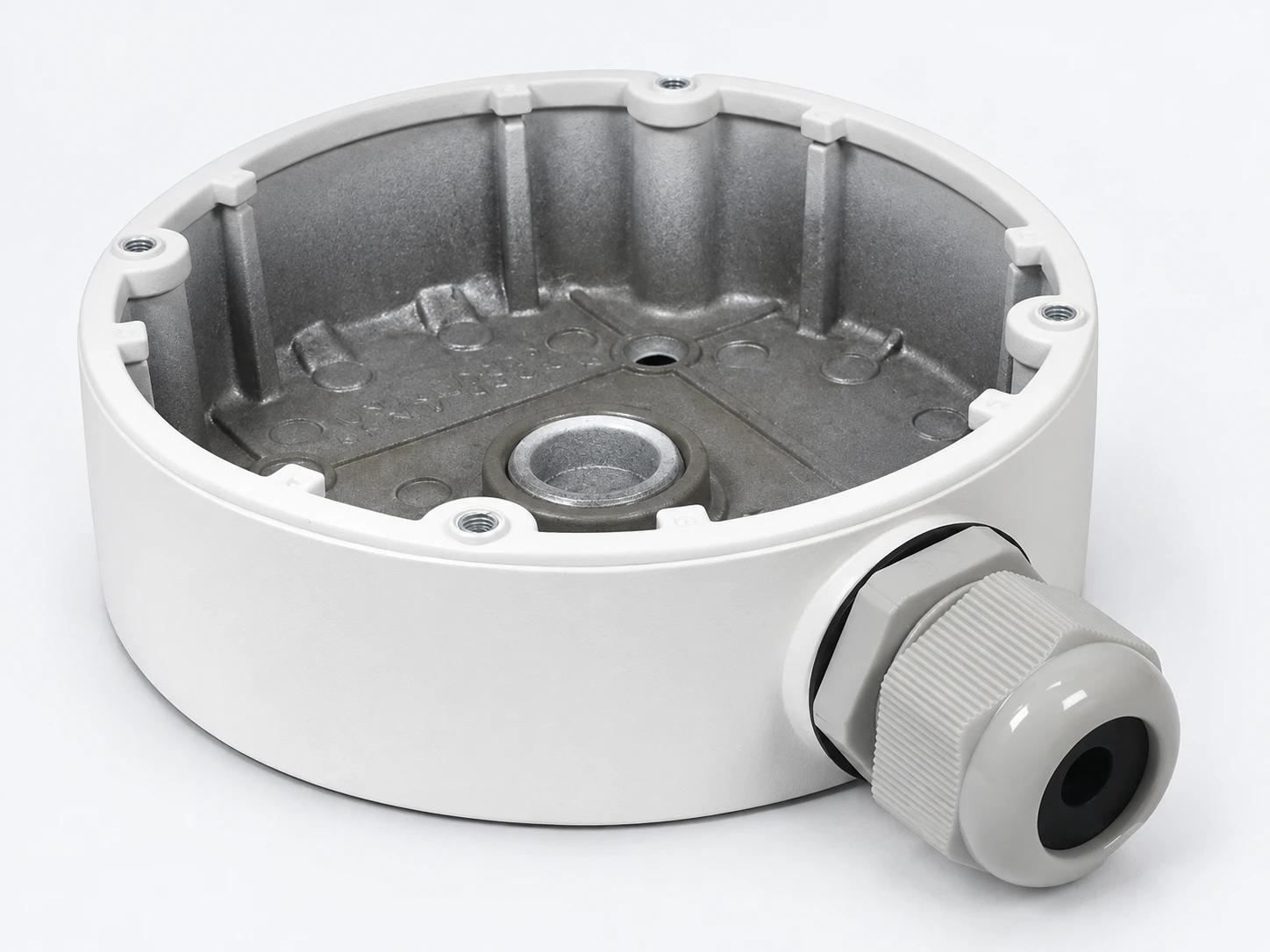
Series Moto Zoom Turret Camera Wall Mount
Explore product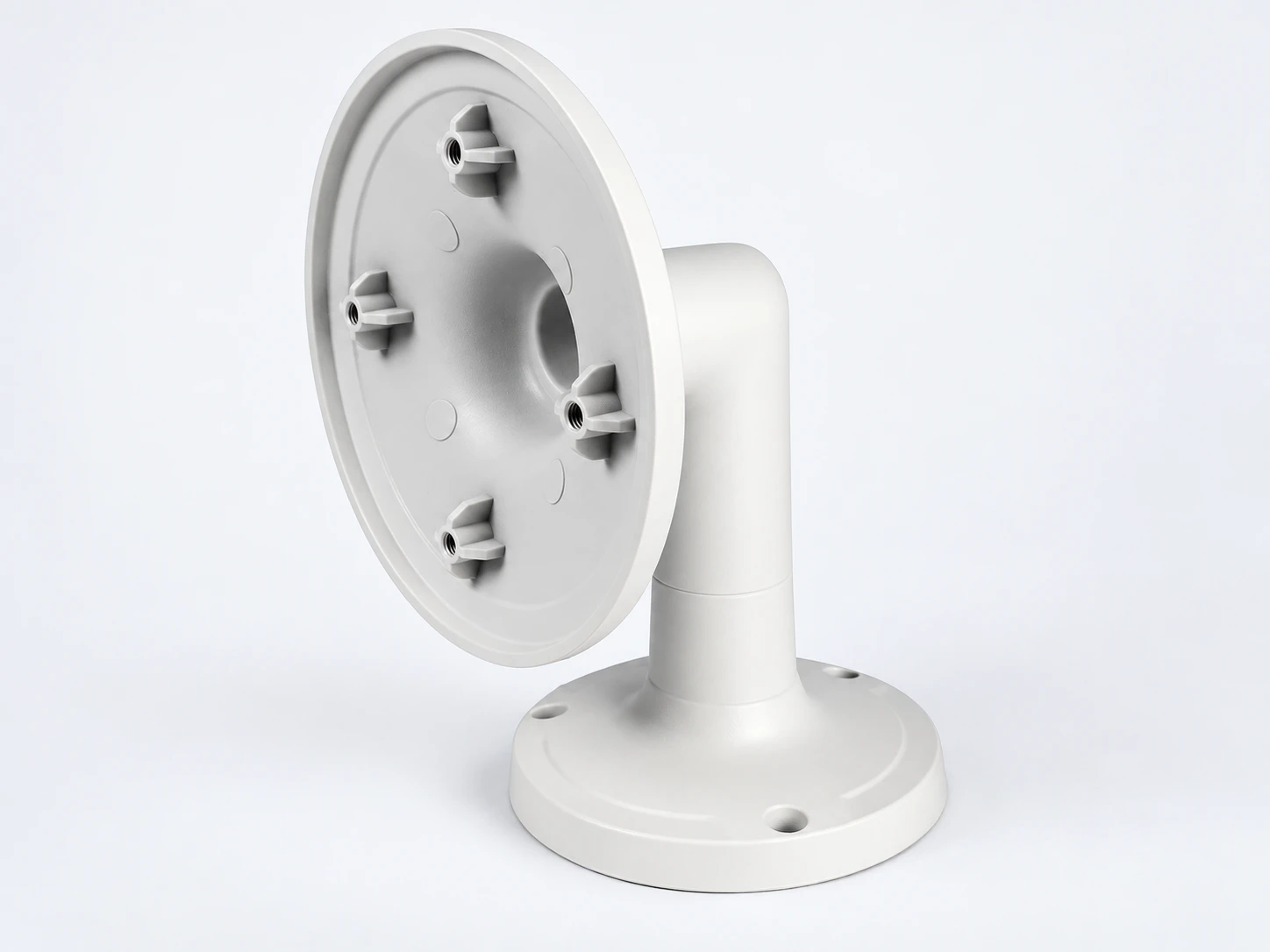
Wall Mount for Sibell Series Moto Zoom Vandal Dome Cameras
Explore product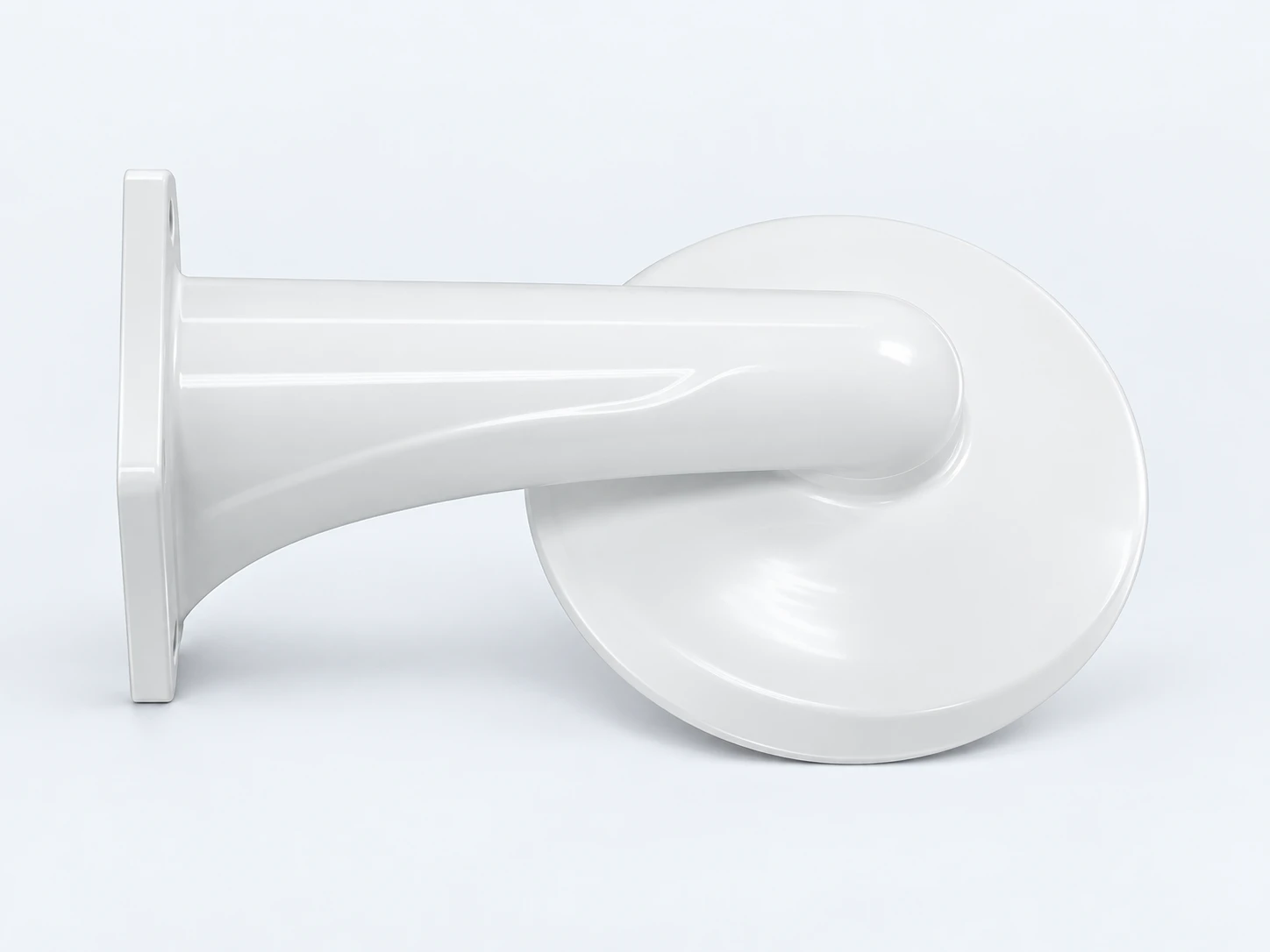
Wall Mount for the HDOD-SB2IRVW
Explore product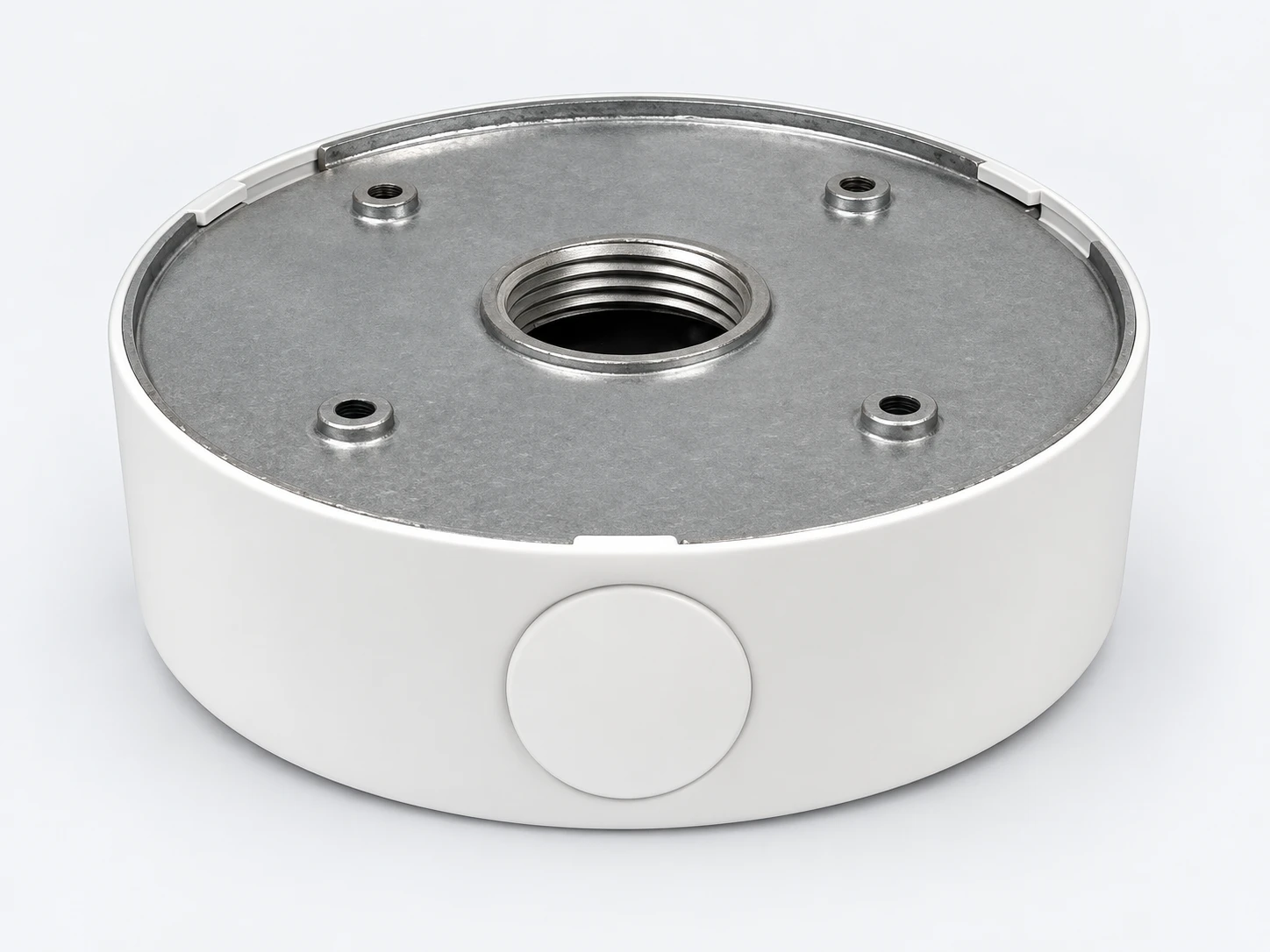
Junction Box for Sibell Motorized Domes
Explore product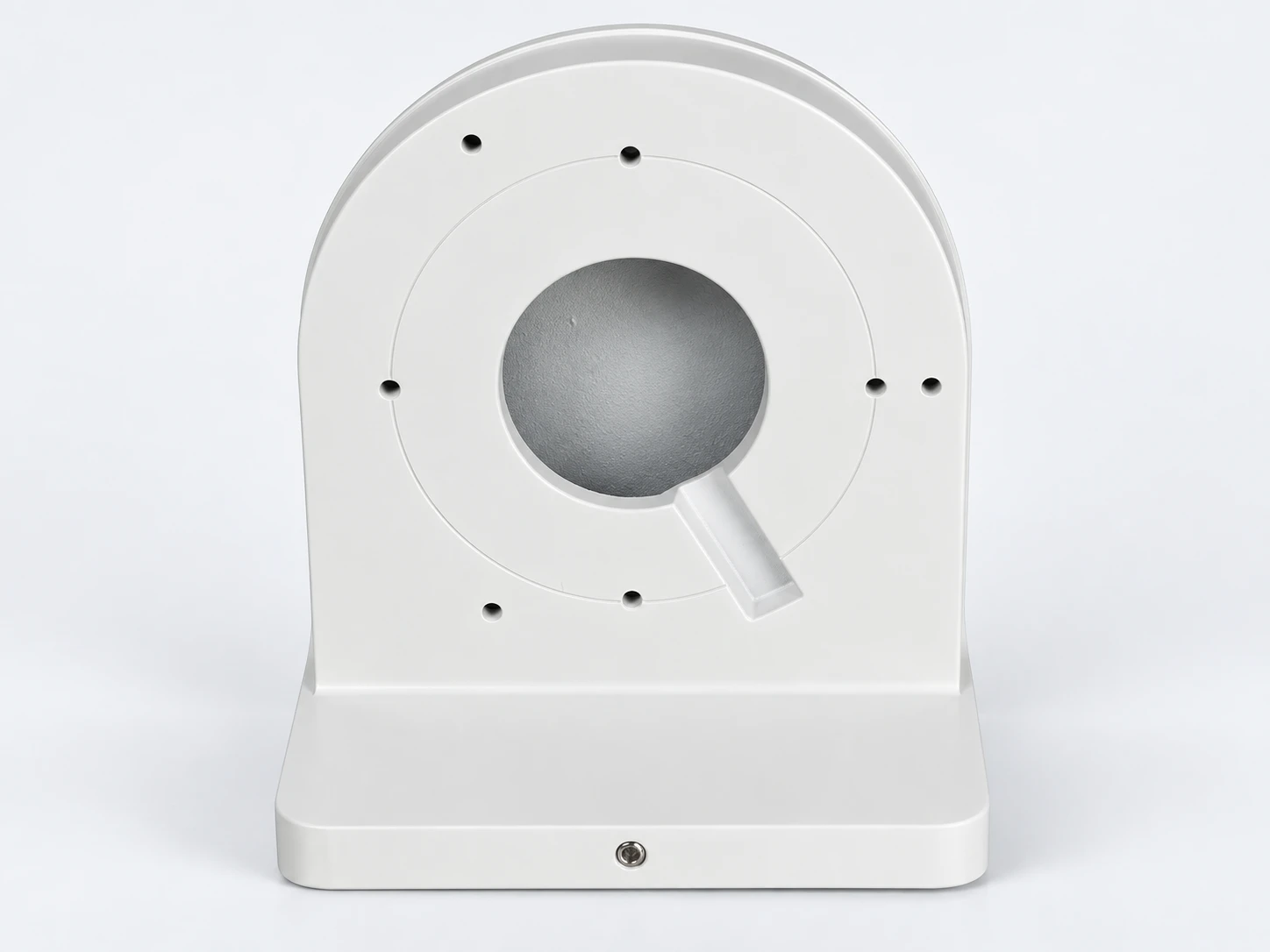
Wall Mount for Sibell Motorized Dome Camera
Explore product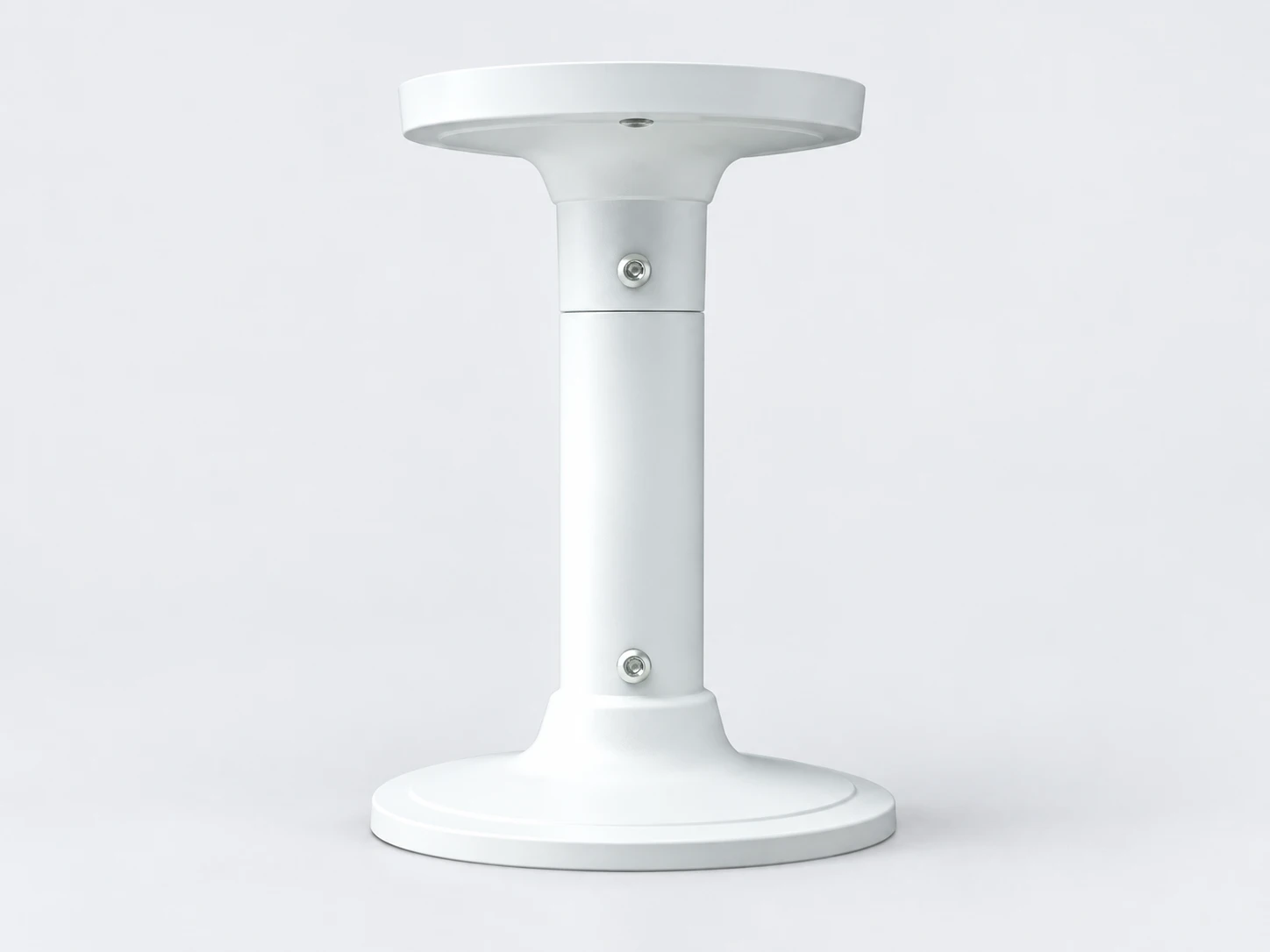
Pendant ceiling Mount for Motorized Vandal Domes
Explore product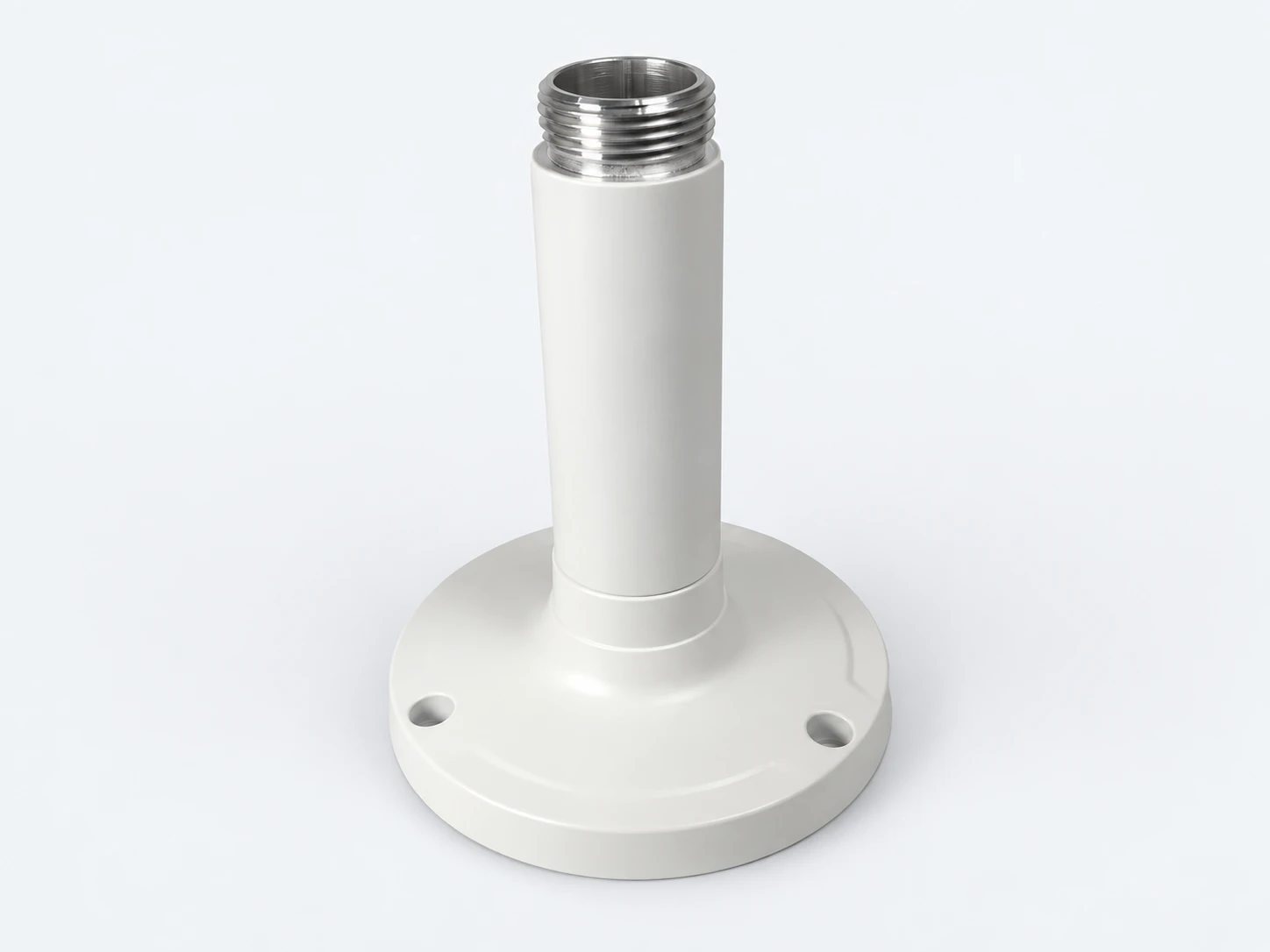
Series Pendant Mount
Explore product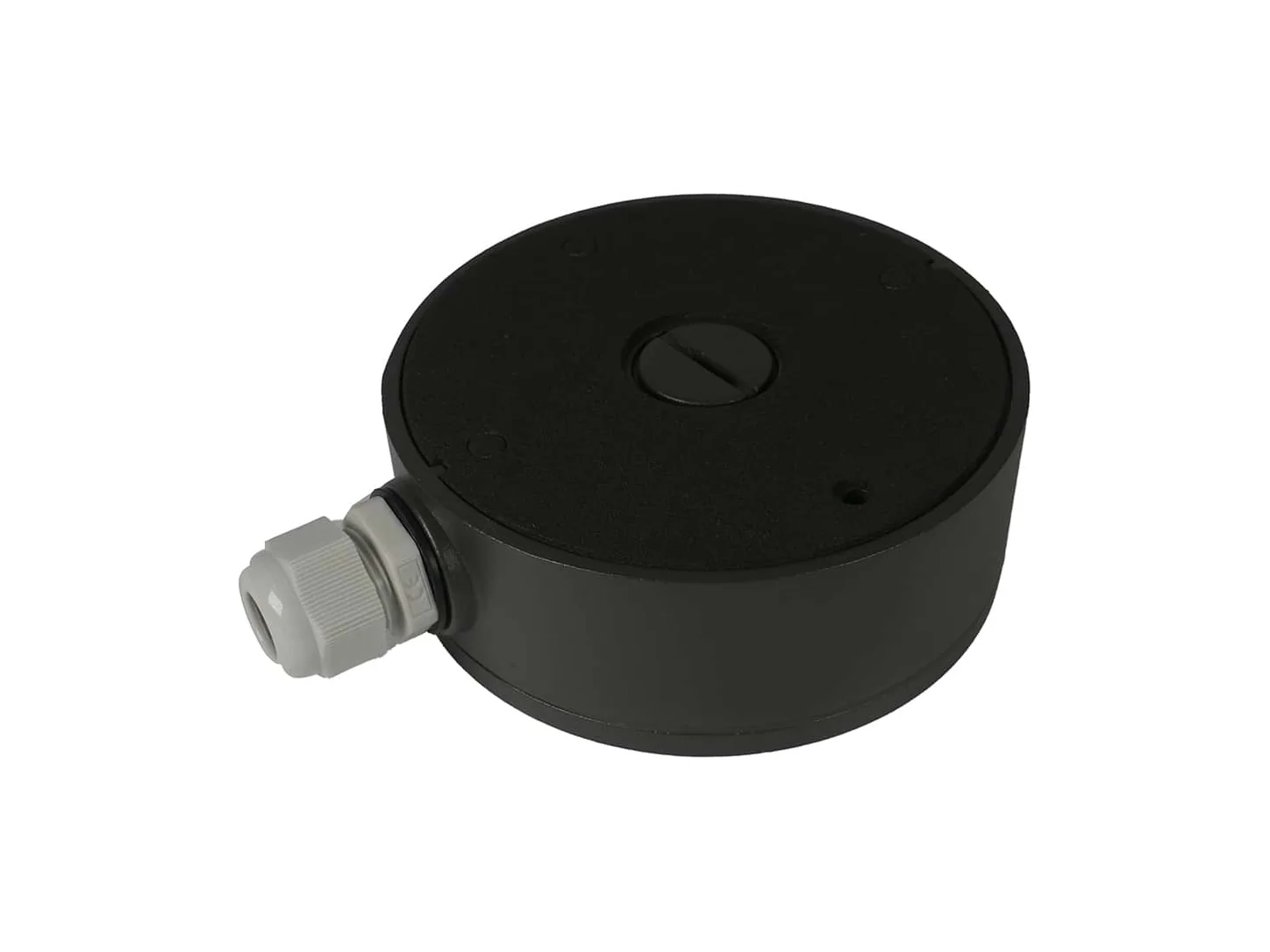
Black Junction Box for Sibell Cameras
Explore product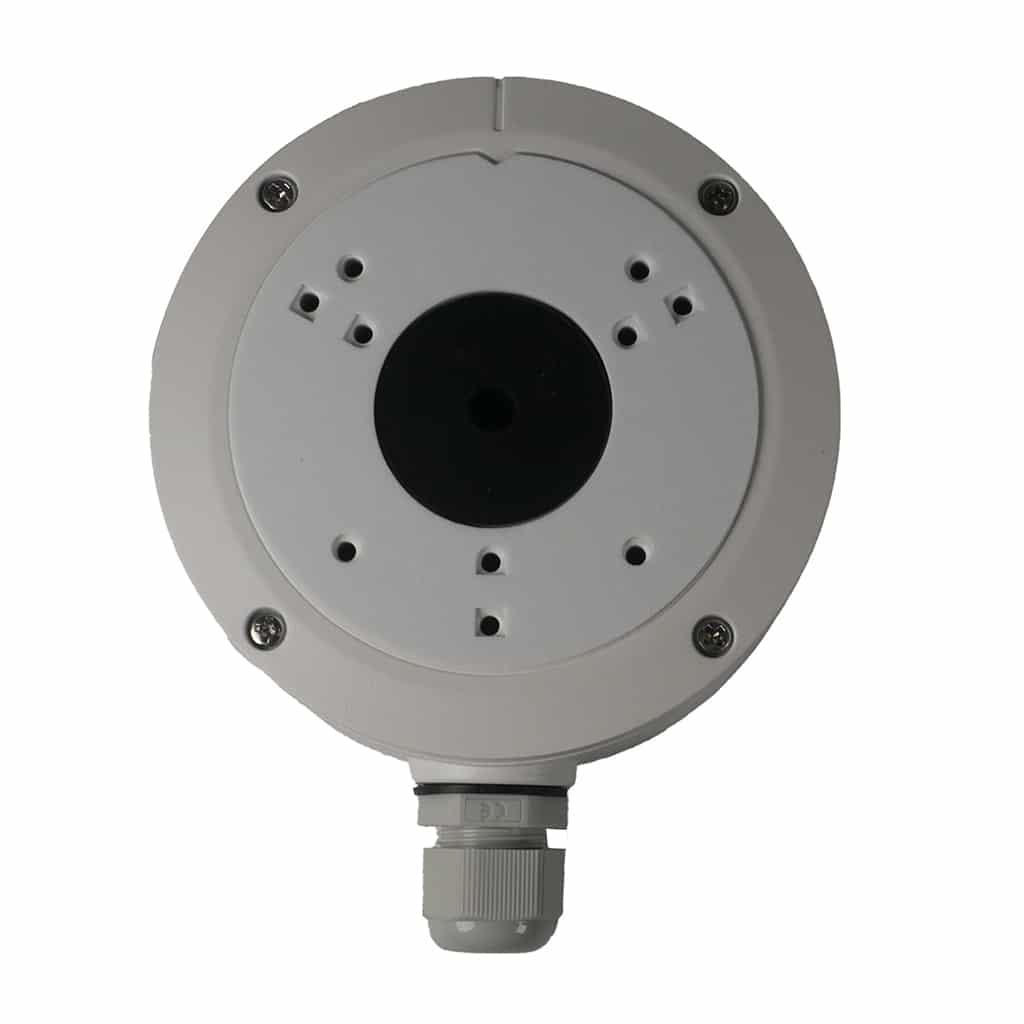
Junction Box for Sibell Vision Cameras
Explore product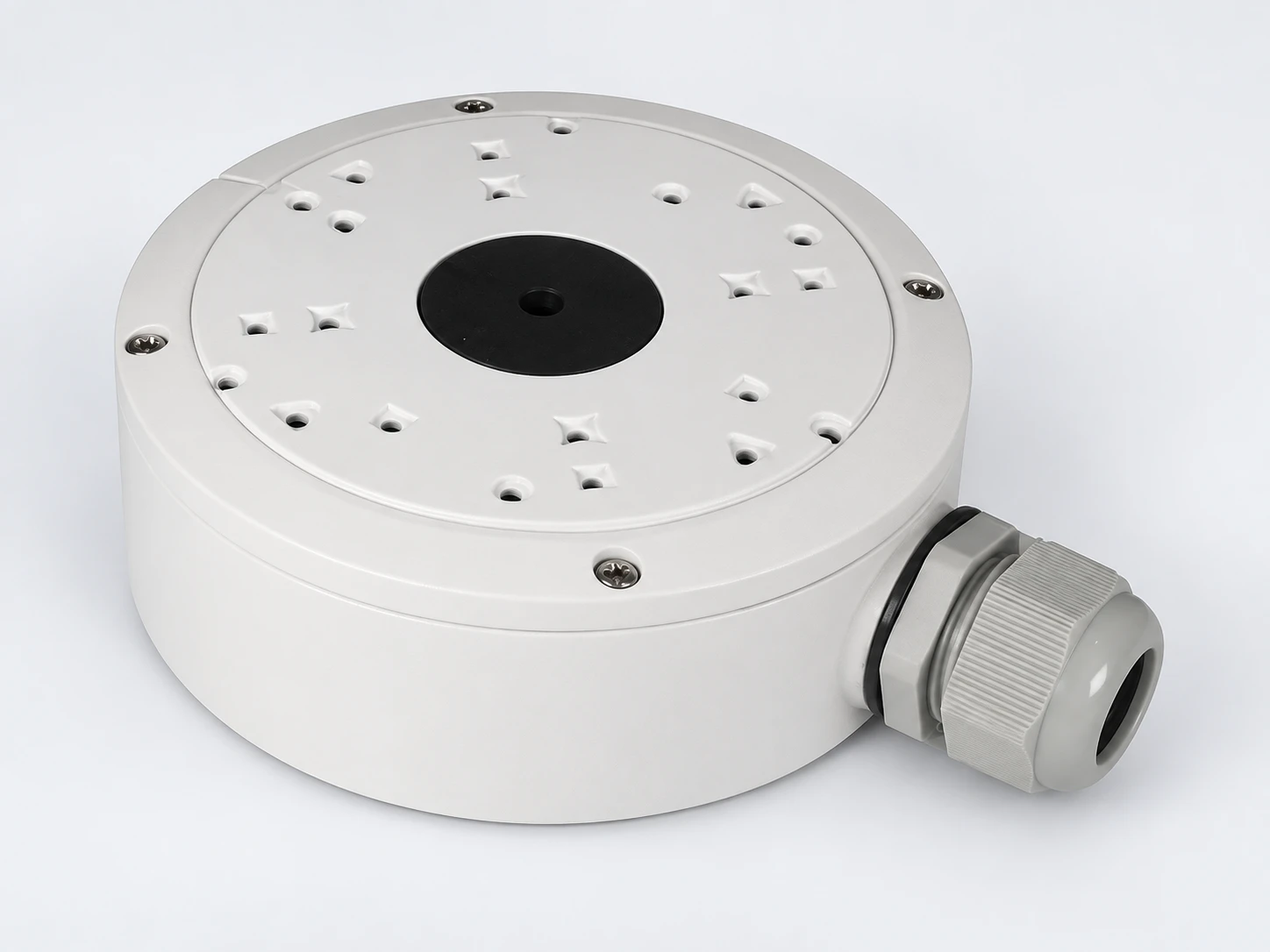
Junction Box Mount for Sibell Cameras
Explore product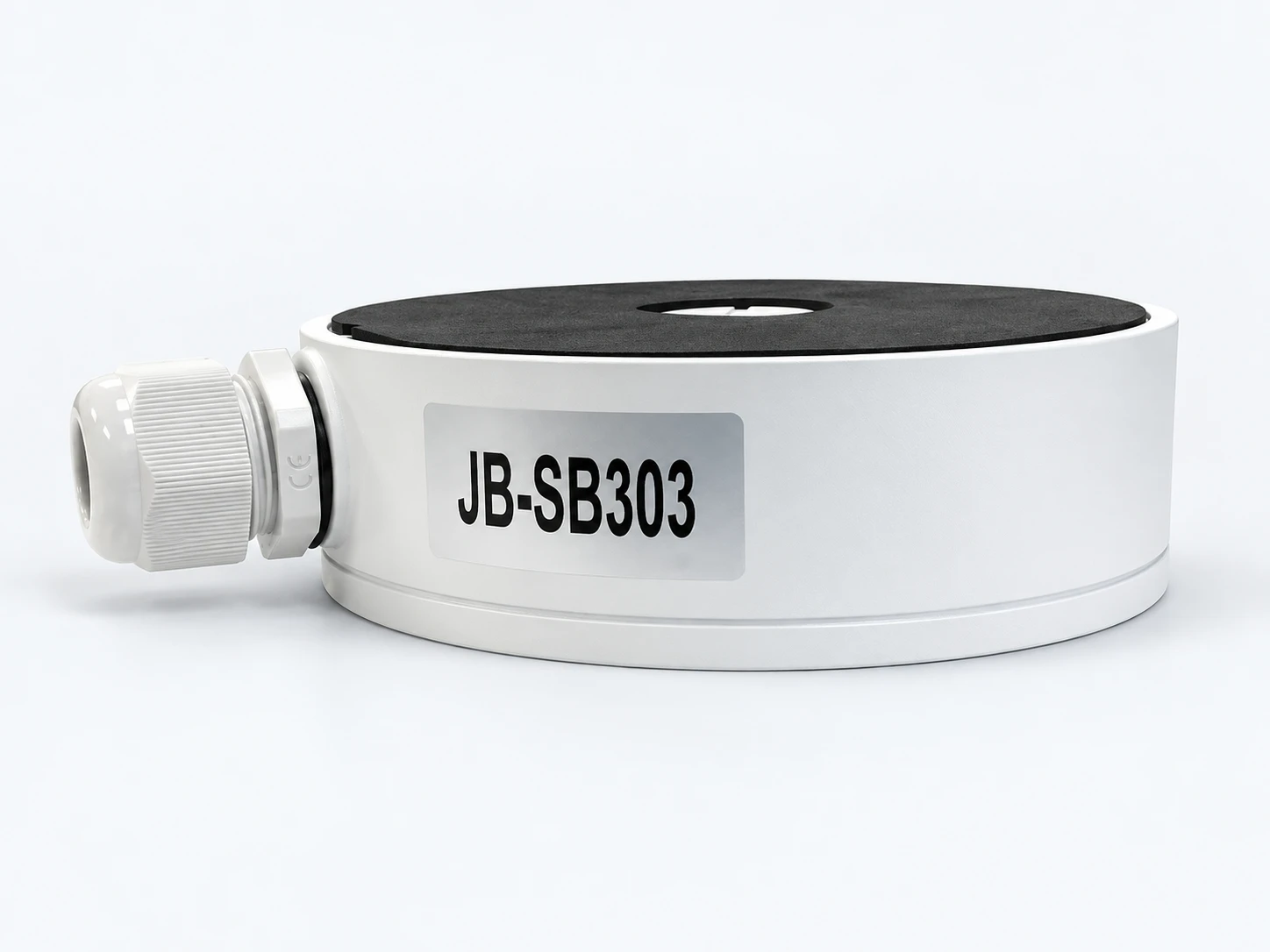
Junction Box Mount for Some IP Cameras
Explore product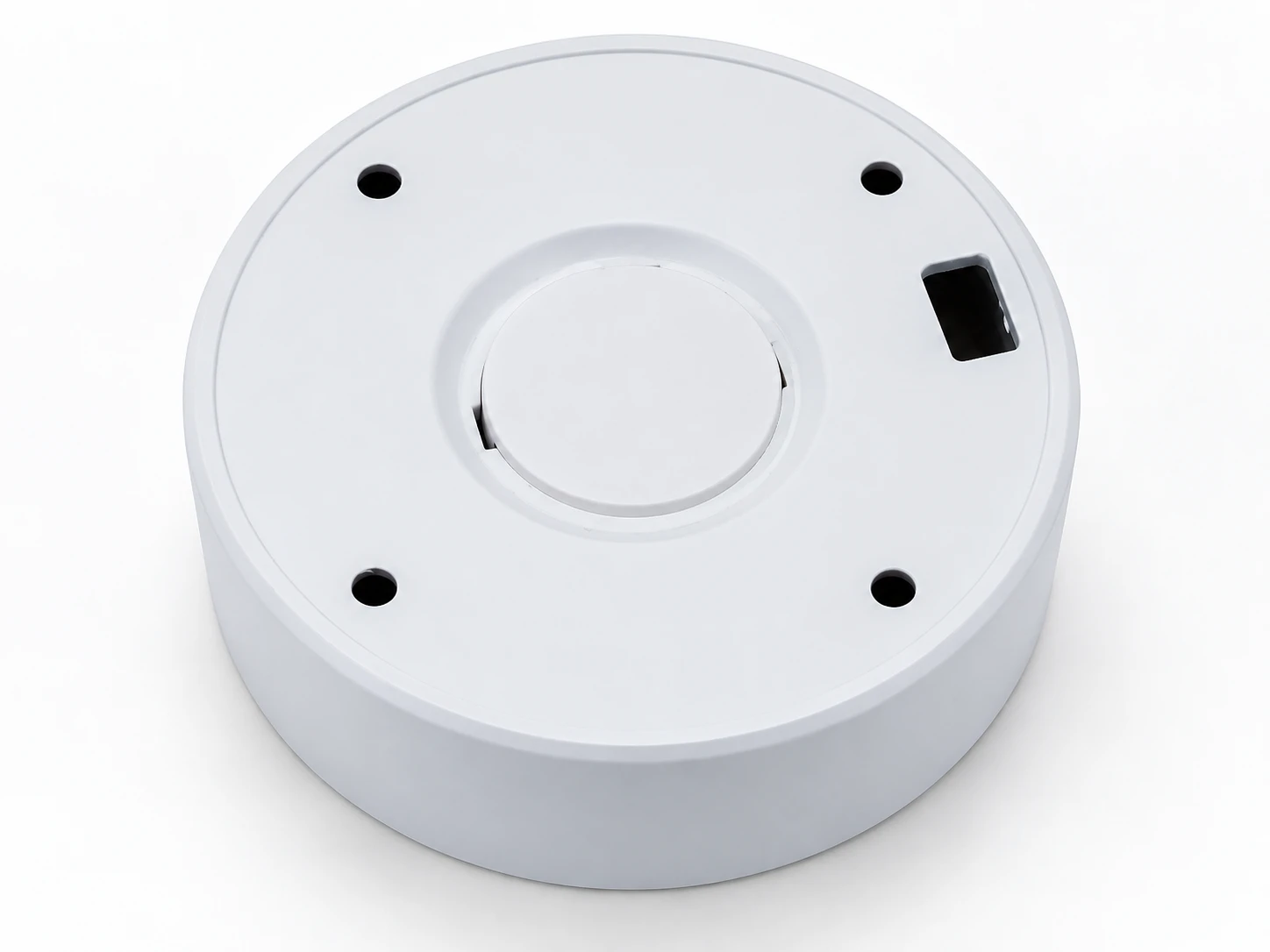
Round Universal Junction Box
Explore product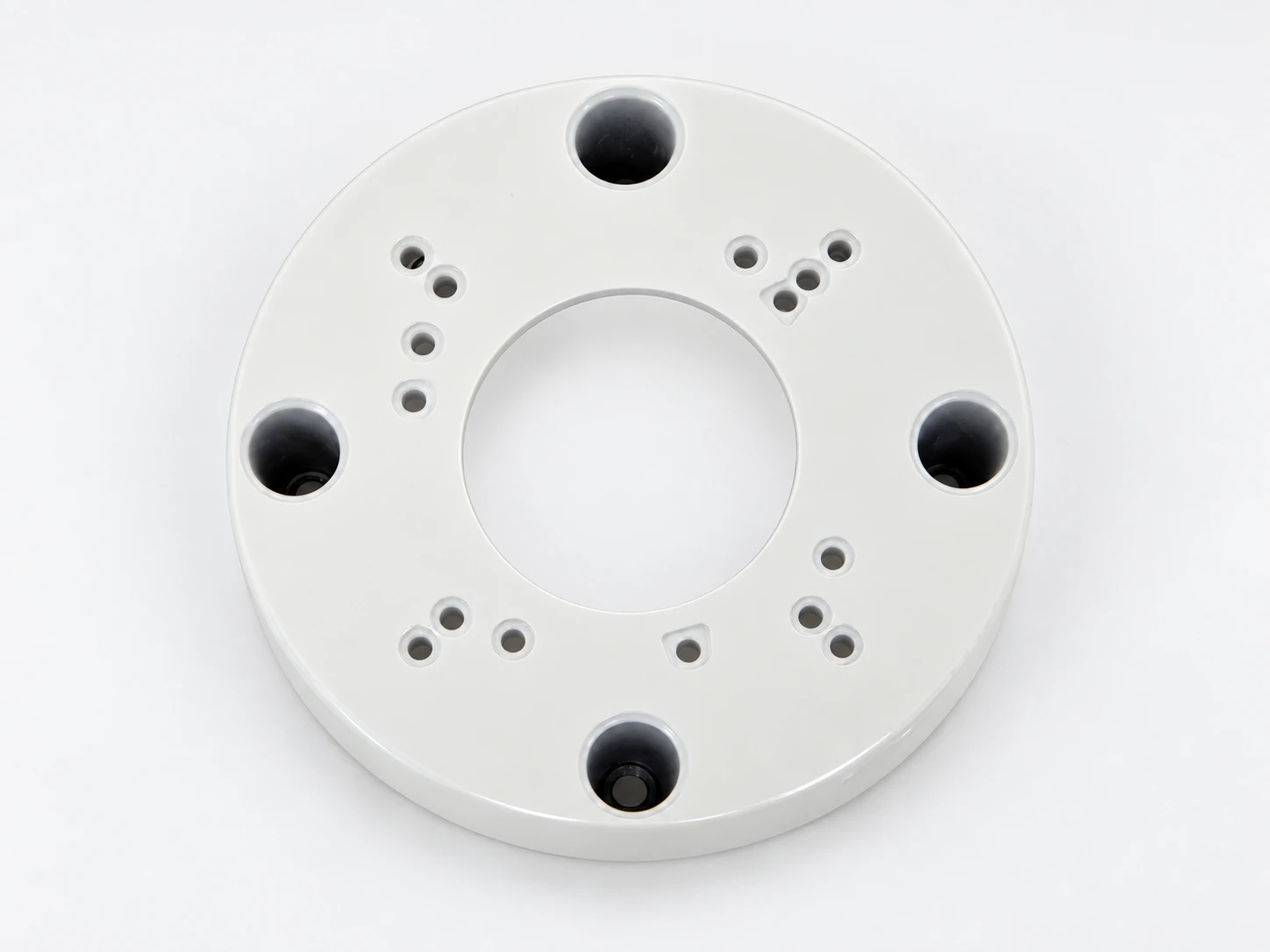
Round Junction Box for Some HDOC & TVI Cameras
Explore product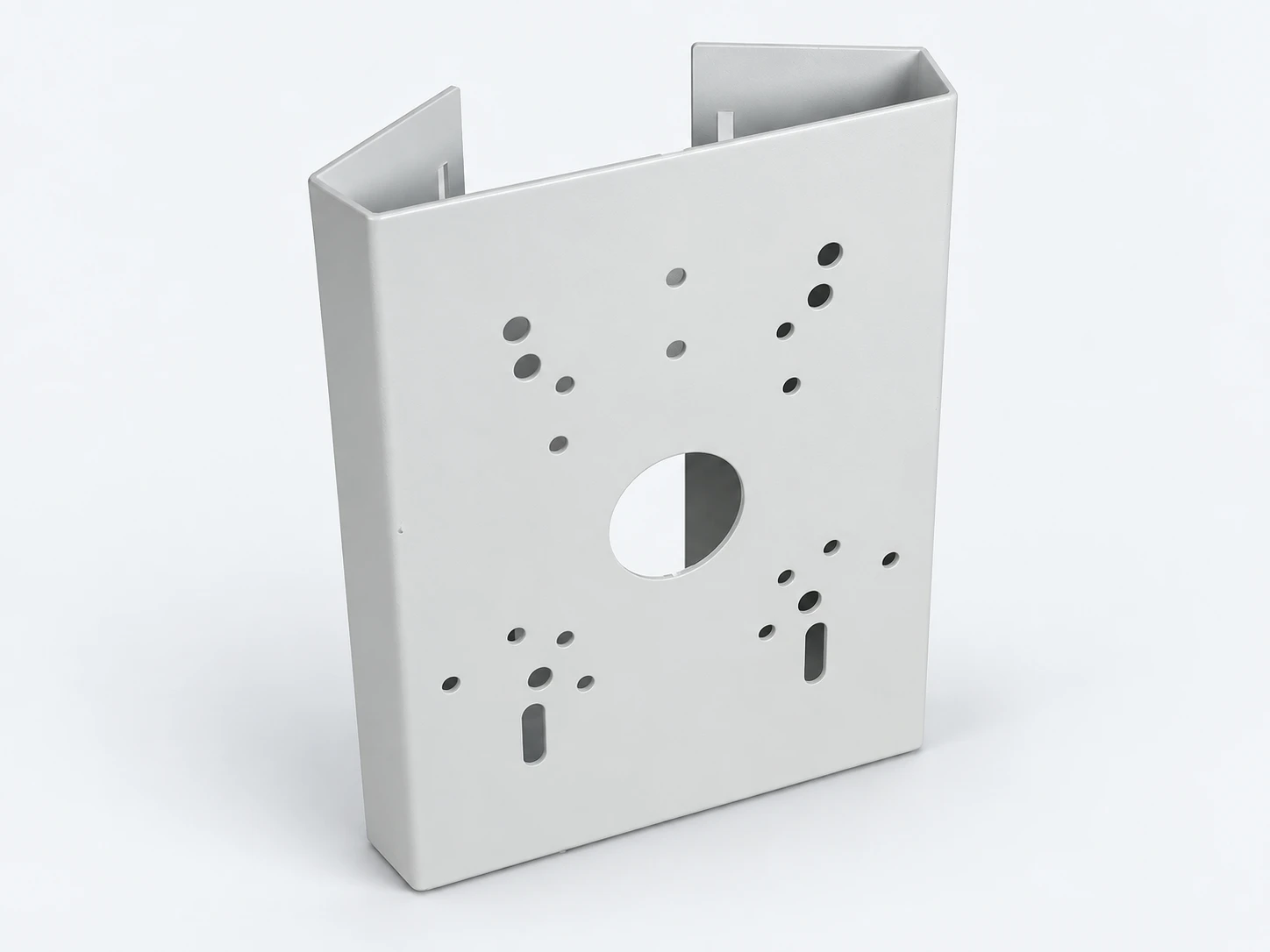
PTZ Pole Mount Bracket
Explore product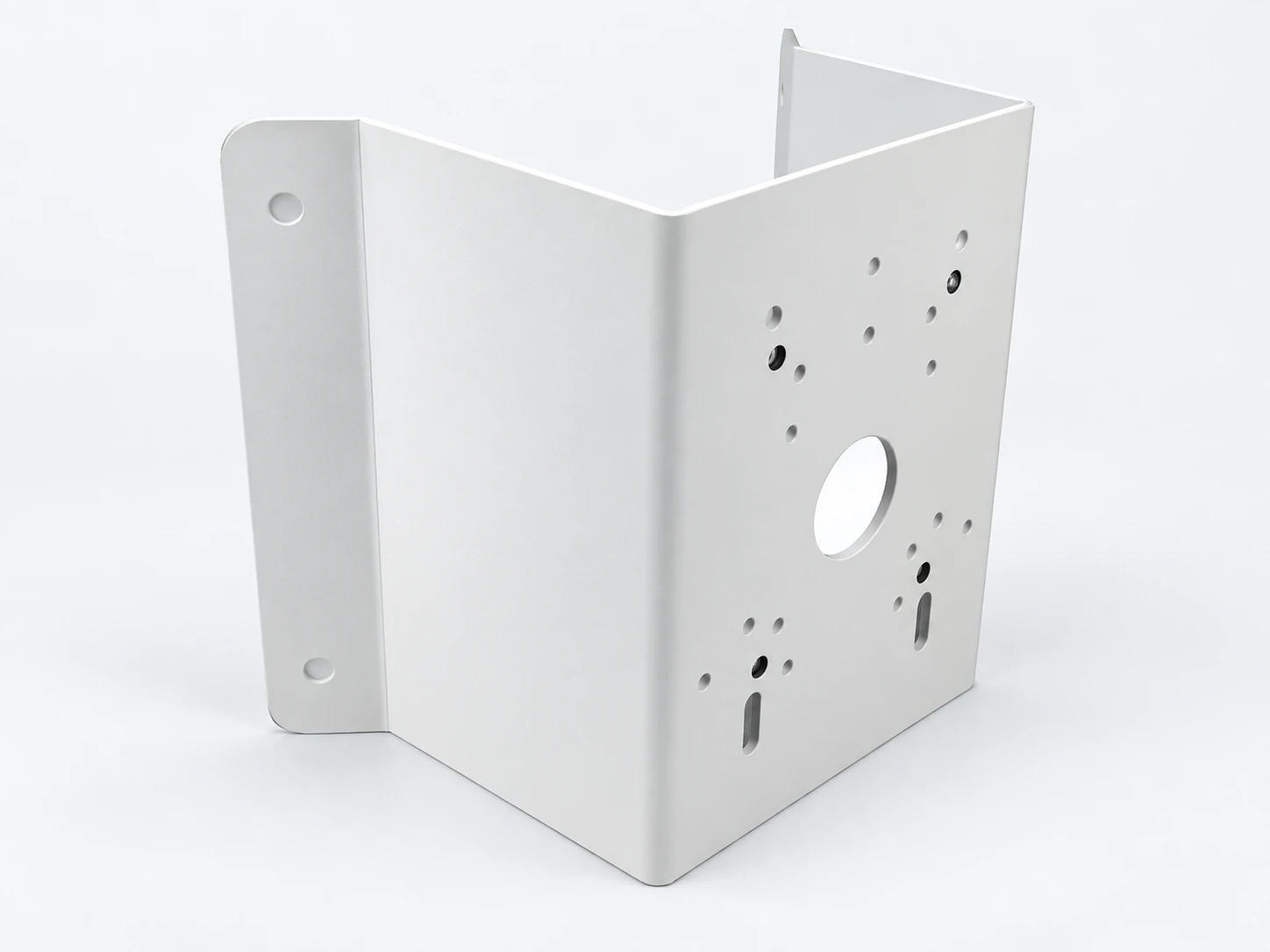
Corner Mount for Sibell Series PTZ
Explore product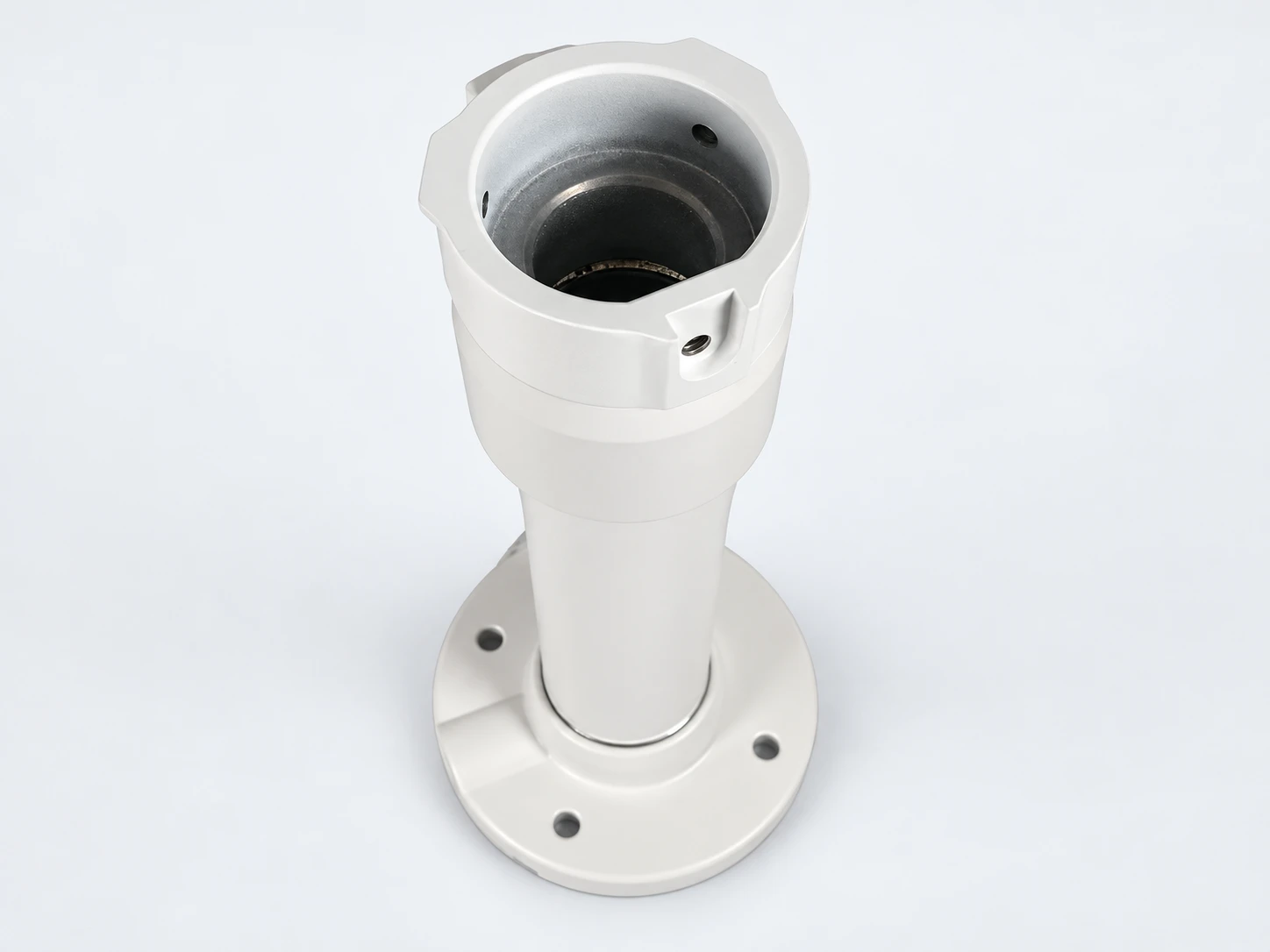
PTZ Pendant Ceiling Mount
Explore product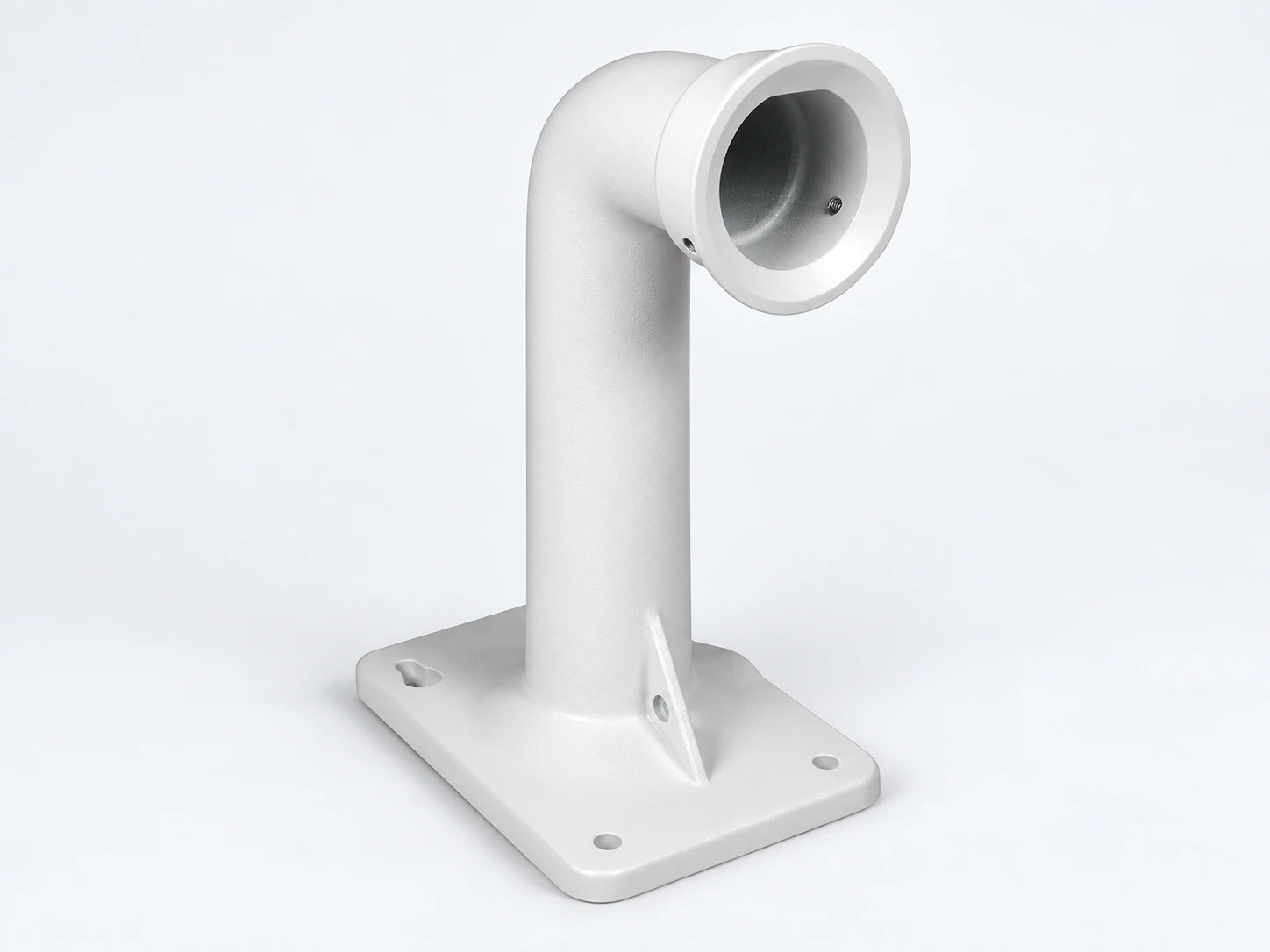
Wall Mount for Sibell PTZs
Explore product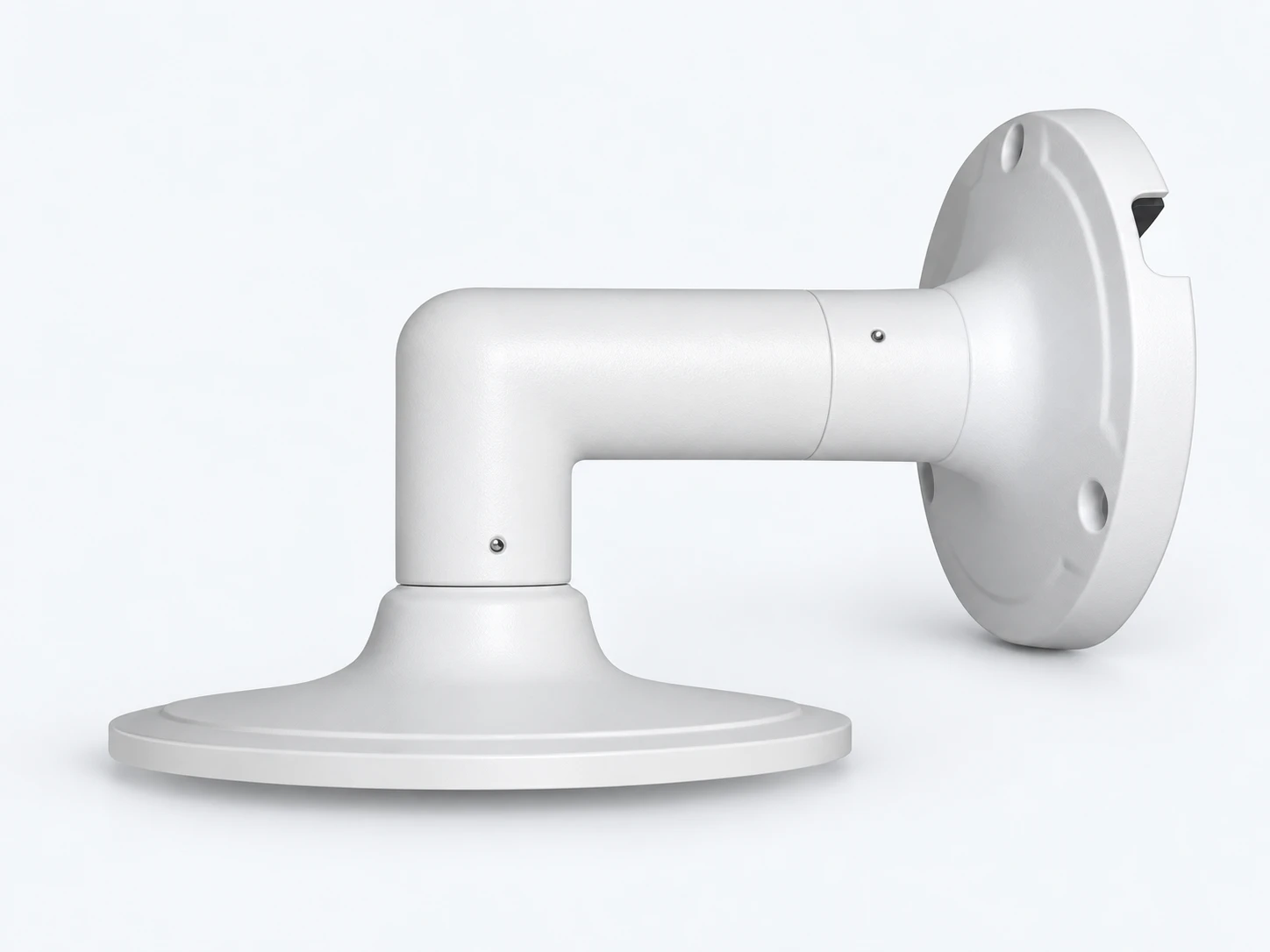
Wall Mount for Some Dome Cameras
Explore product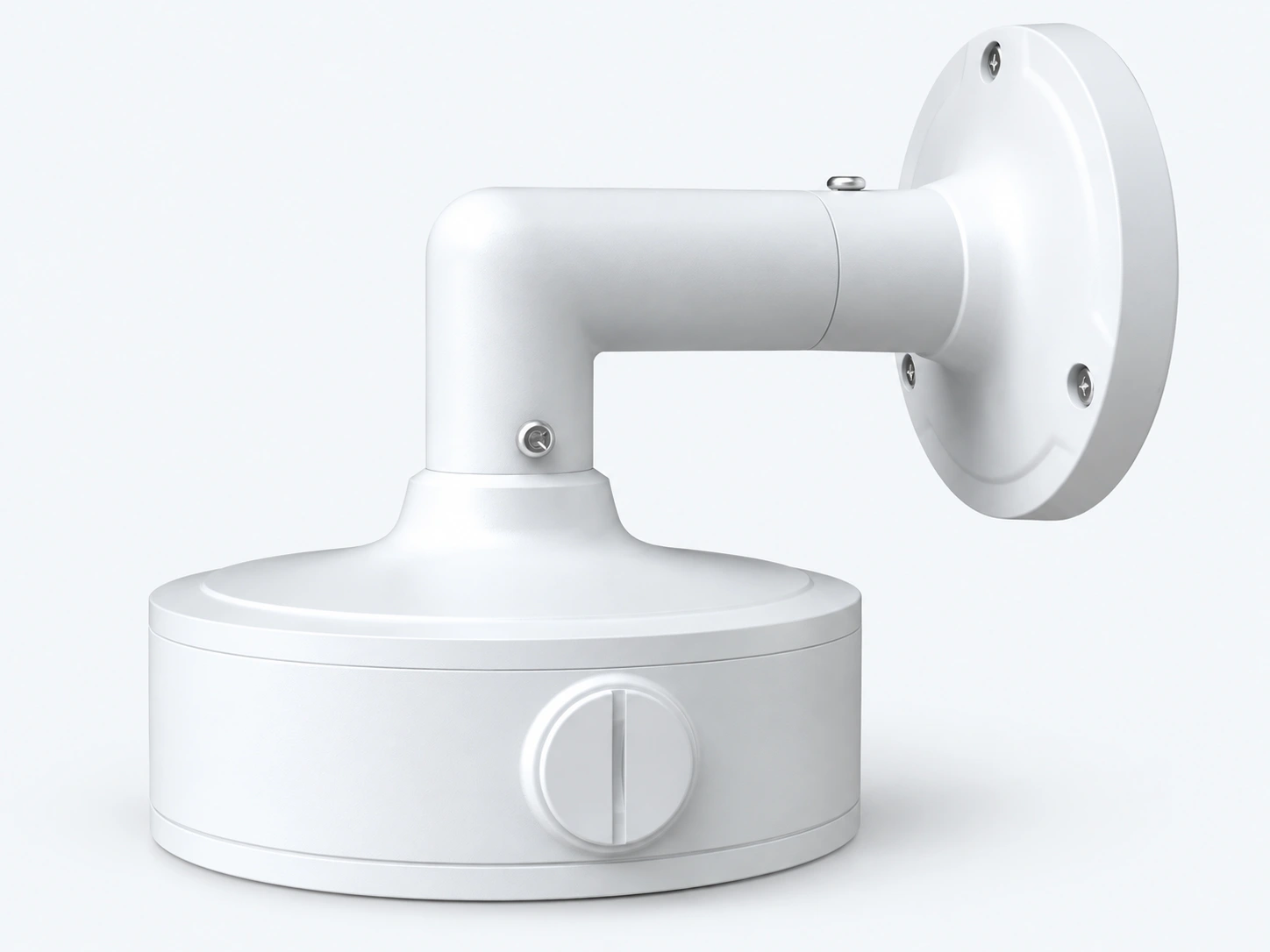
Wall Mount with Junction Box for Some Sibell & Alliance Dome Cameras
Explore product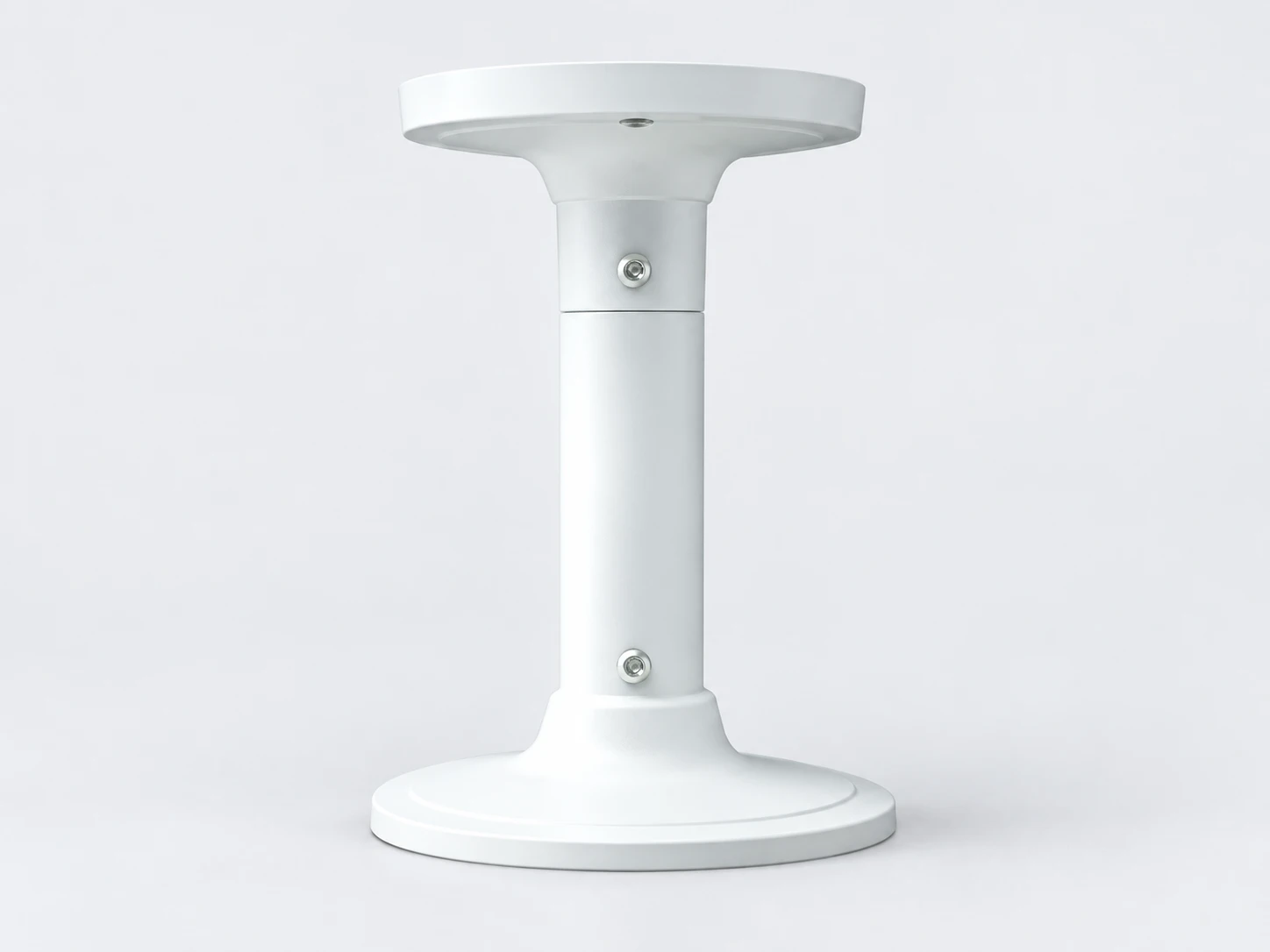
Pendant Mount for Motorized Zoom Vandal Domes
Explore product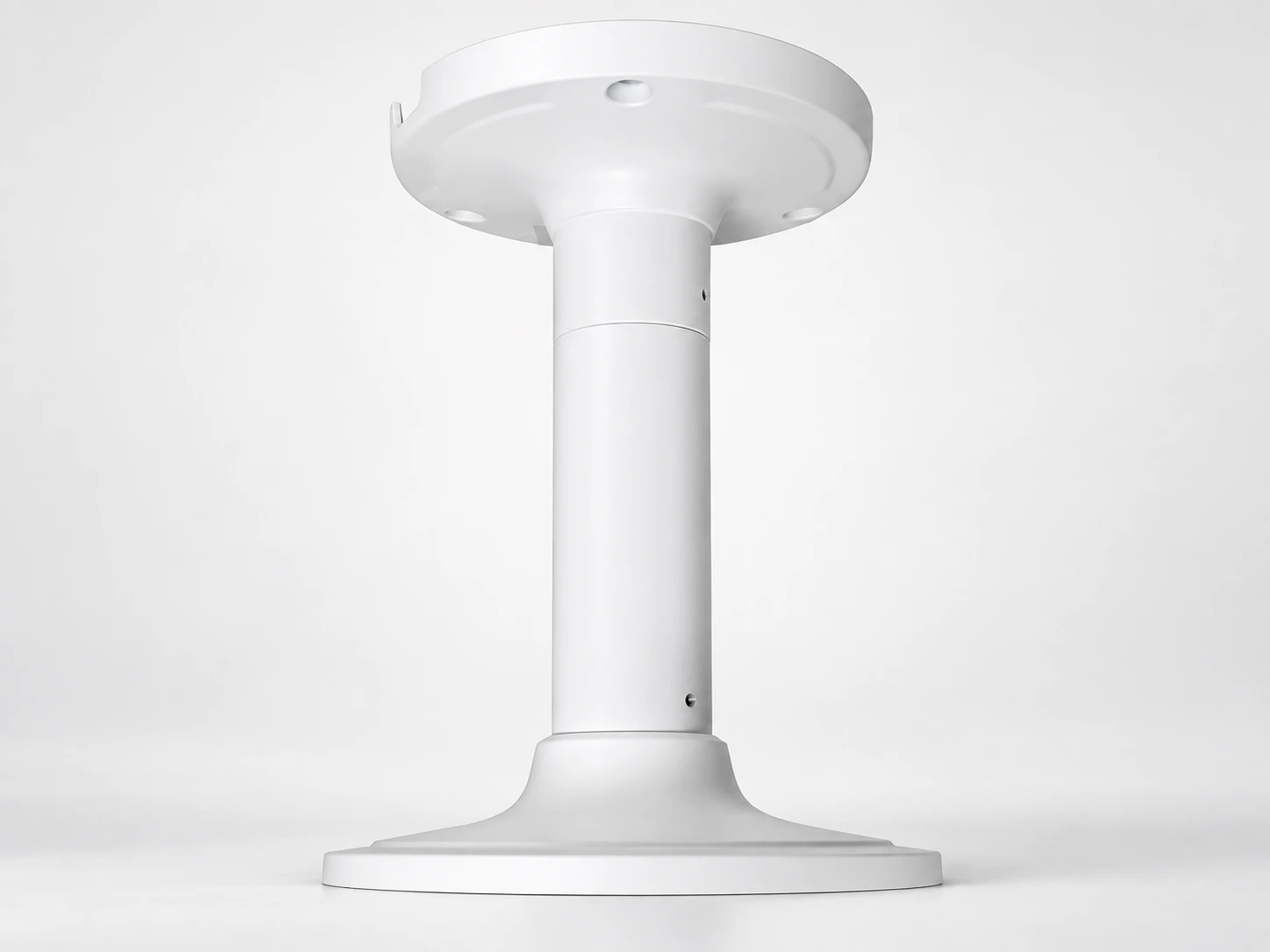
Pendant Mount for some Sibell & Alliance Cameras
Explore product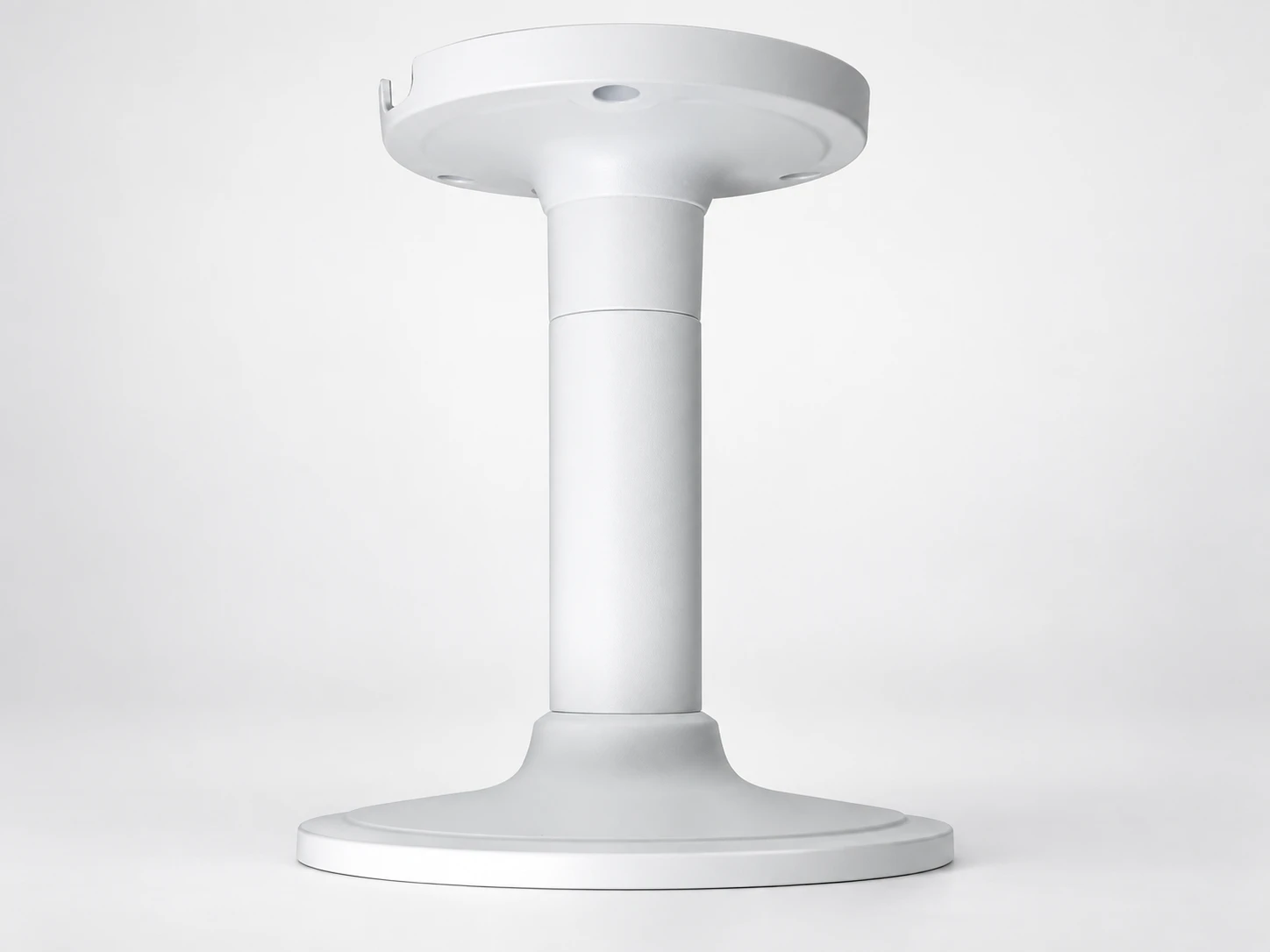
Dome Pendant Mount for Some Sibell & Alliance Cameras
Explore productMounting hardware is specific to the housing. A bracket listed for a motorized vandal dome will not necessarily take a fixed-lens dome of the same resolution, and the difference is usually the bolt pattern or the depth of the base rather than anything visible in a photo. Check the model number in the mount's listing against the exact camera you are fitting — not the camera family — before ordering.
A junction box sits between the camera and the surface and gives the cable somewhere to terminate out of the weather. It also raises the camera slightly off the wall, which helps where a bracket would otherwise sit on a rough or uneven surface. Separate boxes are listed for bullets and fixed turrets, for motorized domes, and in black for installations where a white box would stand out. Some wall mounts include the junction box in the same part.
Wall mounts are the default and put the camera out from a flat surface at a fixed angle. Pendant mounts drop the camera from a ceiling or soffit, which is how you cover a forecourt or a loading area from above. Corner mounts pick up the outside corner of a building where neither wall gives the right view on its own. Pole mounts fit car parks, perimeters and yards with no suitable structure. PTZ housings have their own set of all four.
Mounting hardware is the item that most often holds up an installation, because it tends to be considered after the cameras are on site. Work out the mount when you specify the camera, confirm clearance for the cable entry and for any movement the housing needs, and order both together.
Guidance for planning and comparison. Confirm exact specifications, mounting requirements and compatibility in each model’s datasheet before ordering.